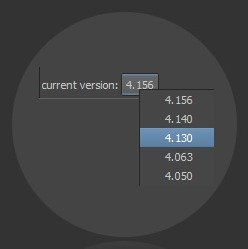
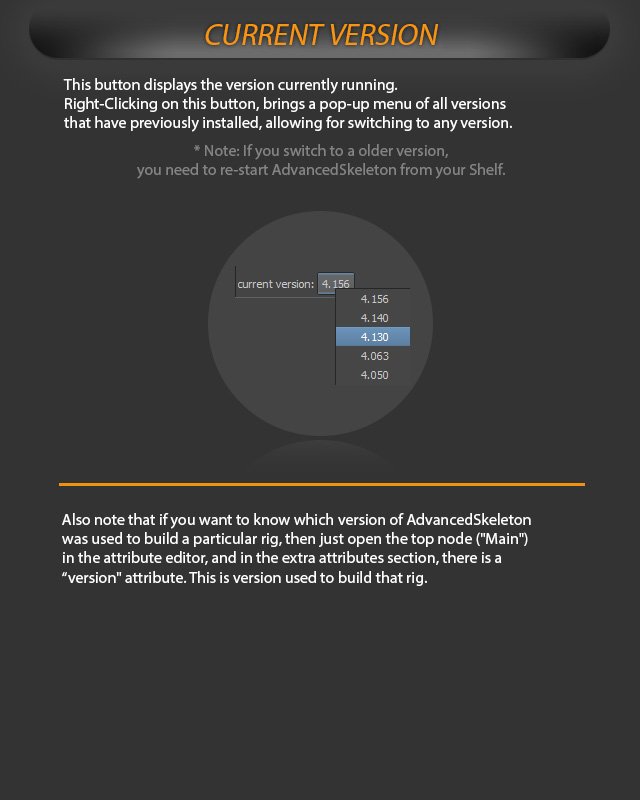
This button displays the version currently running.
Right-clicking this button opens a pop-up menu of all previously installed versions, allowing you to switch to any version.
Display the running AdvancedSkeleton version and switch to previously installed versions.
If you switch to an older version, restart AdvancedSkeleton from your shelf.
To know which version of AdvancedSkeleton was used to build a particular rig, open the top node (“Main”) in the Attribute Editor. In the Extra Attributes section, the “version” attribute shows the version used to build that rig.