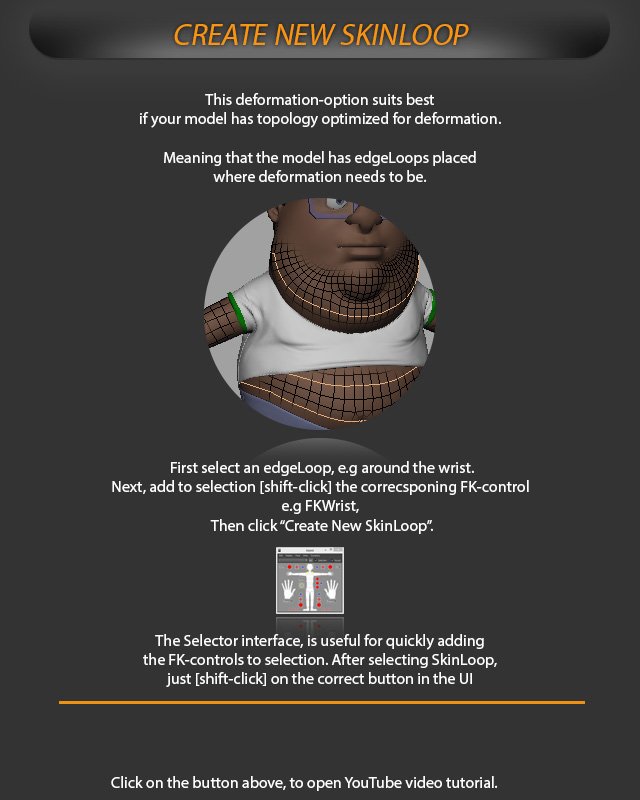
Skin Loops
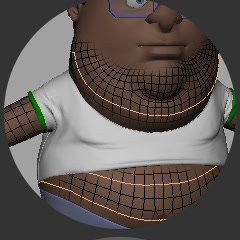
Select an edgeLoop where the deformation needs to be. 
The Selector interface can quickly add FK controls to the selection.
Create New SkinLoop
Create a new SkinLoop for models with topology optimized for deformation.
This deformation-option suits best if your model has topology optimized for deformation.
Meaning that the model has edgeLoops placed where deformation needs to be.
Create the SkinLoop
First select an edgeLoop, e.g around the wrist.
Next, add to selection [shift-click] the corresponding FK-control e.g FKWrist.
Then click “Create New SkinLoop”.
Selector interface
The Selector interface is useful for quickly adding the FK-controls to selection.
After selecting SkinLoop, just [shift-click] on the correct button in the UI.