Poser Designer
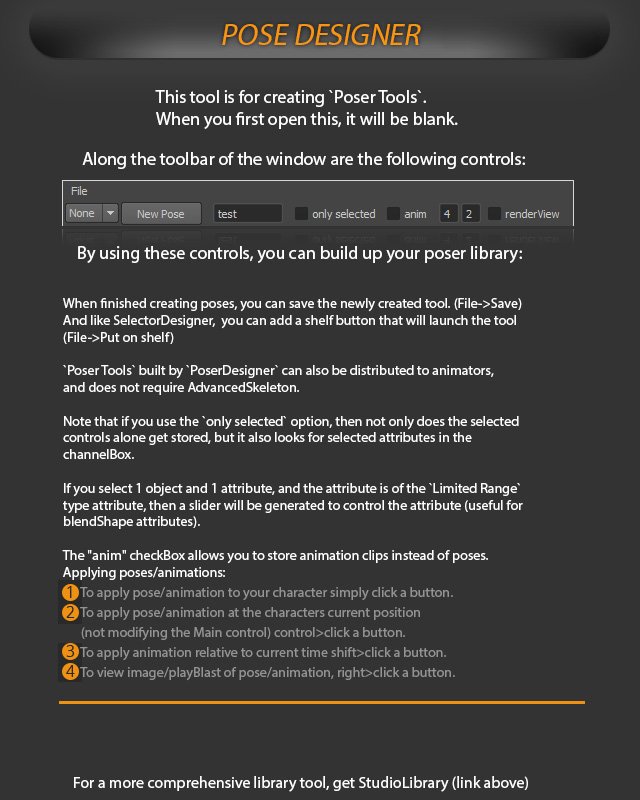
This tool is for creating 'Poser Tools'_ When you first open this, it will be blank Along the toolbar of the window are the following controls:
This tool is for creating 'Poser Tools'_ When you first open this, it will be blank Along the toolbar of the window are the following controls: File None New Pose test only selected anim renderView.

When finished creating poses,You can save the newly created tool. (File-> Save) And like SelectorDesigner, you can add shelfbutton that will launch the tool (File->Put on shelf) Poser Tools' built by `PoserDesigner' can also be distributed to animators, and does not require AdvancedSkeleton: does Note that if you use the only selected' option, then not only the selected controls alone get stored, but it also looks for selected attributes in the channelBox: attribute, and the attribute is of the Limited Range"If you select object and type attribute, then a slider will be generated to control the attribute (useful for blendShape attributes): The "anim"checkBox allows you to store animation clips instead of poses: Applying poses/animations: o apply pose/animation to your character simply click a button To apply pose/animation at the characters current position (not modifying the Main control) controlzclicka button: To apply animation relative to current time shift >click a button: image/playBlast of poselanimation, right>click button_ Io View.
comprehensive library tool, get StudioLibrary (link above) For more.