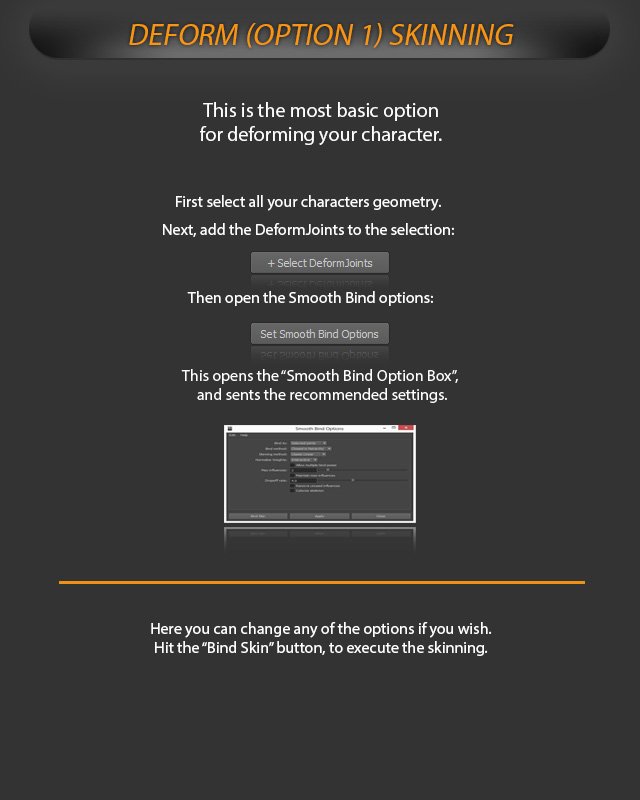
Deformation

Add the DeformJoints to the current selection. 
Open the Smooth Bind options. 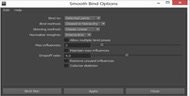
The Smooth Bind Option Box opens with the recommended settings.
Deform Skinning
Use the basic skinning option to deform your character.
This is the most basic option for deforming your character.
Smooth Bind workflow
First select all your characters geometry.
Next, add the DeformJoints to the selection.
Then open the Smooth Bind options.
This opens the “Smooth Bind Option Box”, and sends the recommended settings.
Here you can change any of the options if you wish.
Hit the “Bind Skin” button, to execute the skinning.
Tip: Use the option box if you need to adjust the recommended Smooth Bind settings before binding.