Game Engine Scale Behaviour
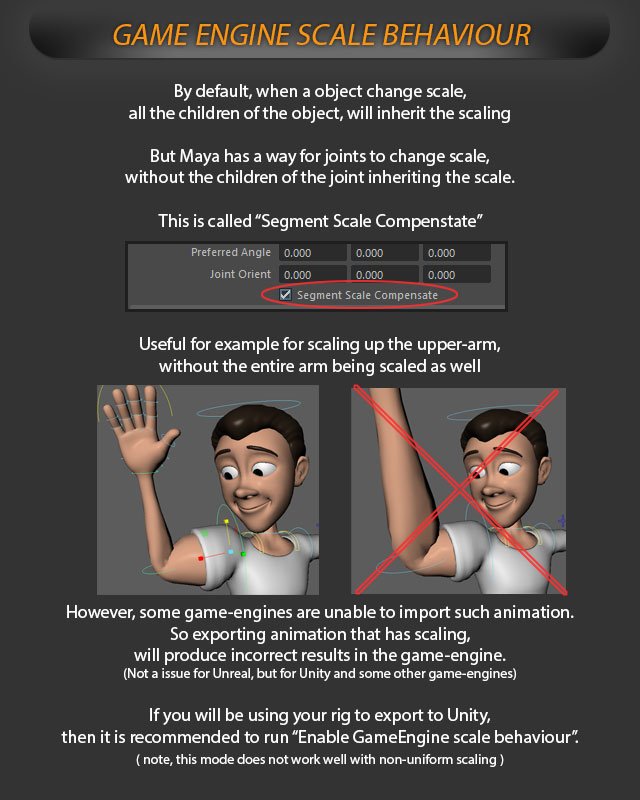
By default, when an object changes scale, all the children of the object, will inherit the scaling.
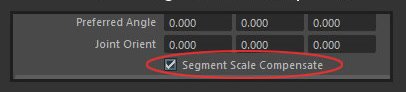
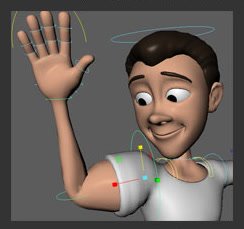
By default, when an object changes scale, all the children of the object, will inherit the scaling. But Maya has a way for joints to change scale without the children of the joint inheriting the scale: This is called "Segment Scale Compenstate"Preferred Angle 0.0oo 0.0oo 0.0oo Orient Joint 0,0Oo 0.0OO 0,0oo Segment Scale Compensate [scaling"Useful for example for upthe upper-arm, without the entire arm being scaled as well.
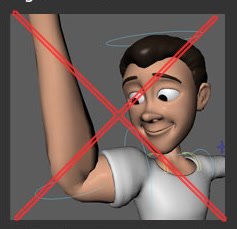
However, some game-engines are unable to import such animation, so exporting animation that has scaling, will produce incorrect results in the game-engine: (not issue for Unreal, but for Unity and some other game-engines) If you will be using your rig to export to Unity, then itis recommended to run "Enable GameEngine scale behaviour"(note, this mode does not work well with non-uniform scaling)