Create Driving System
Driving Systems provide a quick way to have any attribute drive any number of controllers.
Driving Systems provides a quick way to have any attribute drive any number of controllers.
The Biped template uses DrivingSystem for Finger Controls.
First make the pose that you wish to have a attribute to “Drive to”.
Example
For example if you are rigging a bird, and want a single attribute to drive a wing-folding animation, then first create the folded Wing pose.
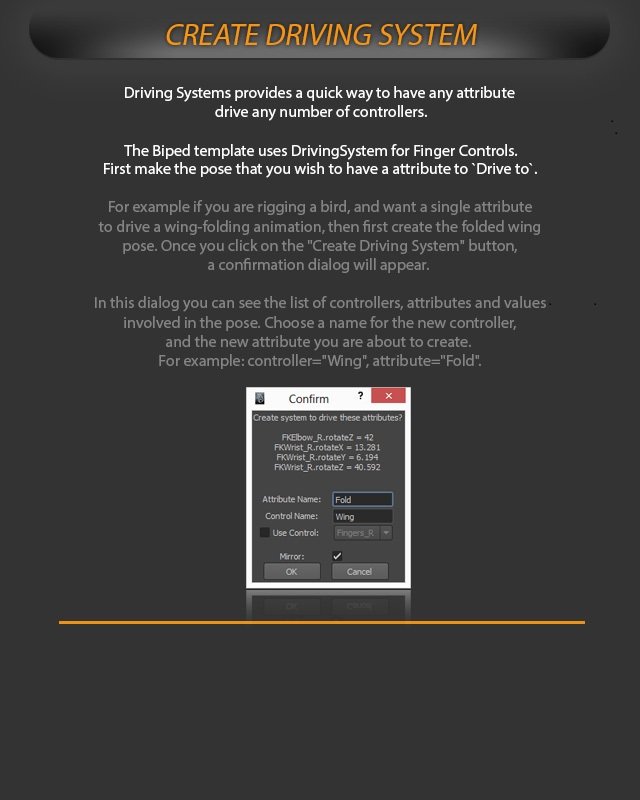
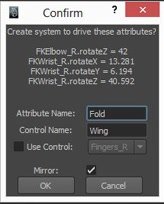
Once you click on the “Create Driving System” button, a confirmation dialog will appear.
Confirmation dialog
In this dialog you can see the list of controllers, attributes and values involved in the pose.
Choose a name for the new controller, and the new attribute you are about to create.
For example: controller=”Wing”, attribute=”Fold”.