General
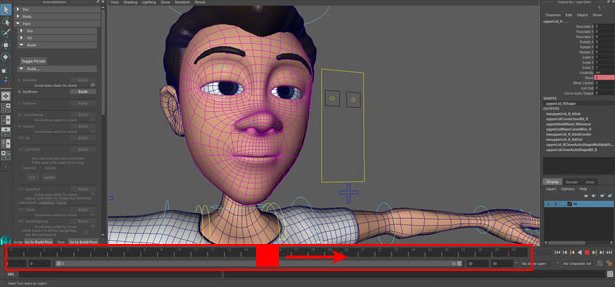
Scrub the time-slider to check the driving animation for the face controllers.
Scrub
Scrub the time-slider to check the animation.
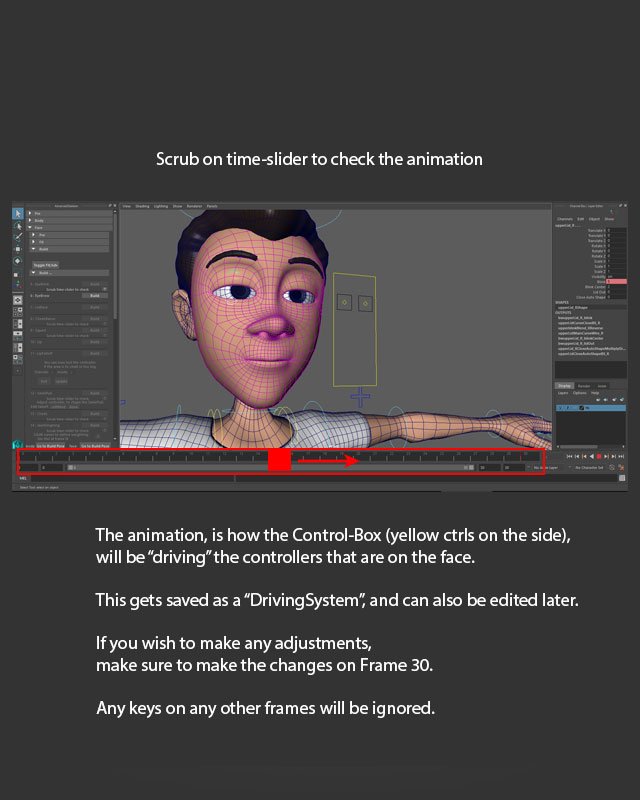
Scrub on time-slider to check the animation.
Driving system animation
The animation is how the Control-Box (yellow ctrls on the side) will be “driving” the controllers that are on the face.
This gets saved as a “DrivingSystem”, and can also be edited later.
If you wish to make any adjustments, make sure to make the changes on Frame 30.
Any keys on any other frames will be ignored.
Tip: Make driving-system adjustments on Frame 30; keys on other frames are ignored.