General
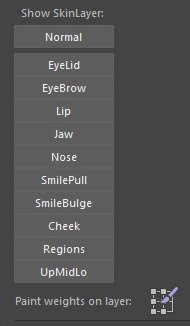
The Show SkinLayer panel switches between Normal display and individual deformation layers.
Show Skin Layer
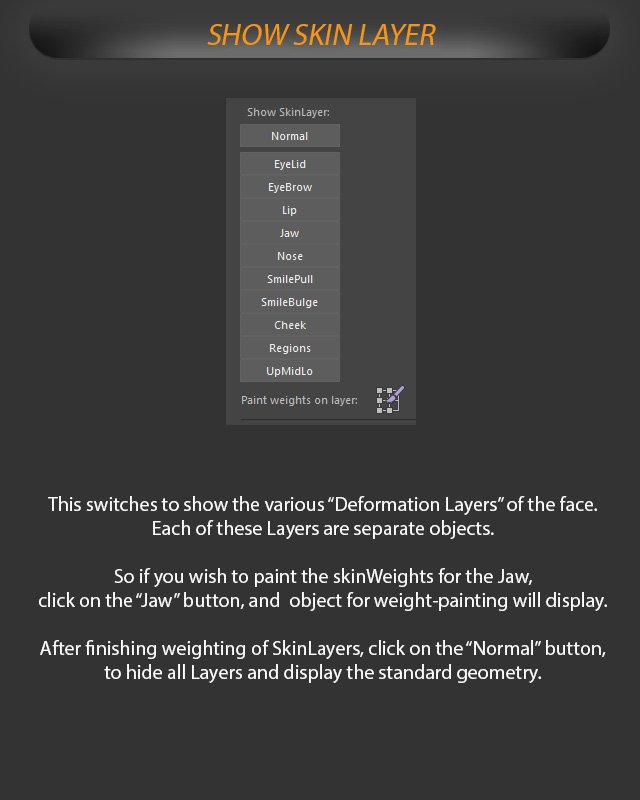
Switch display to the various face Deformation Layers for painting skin weights.
This switches to show the various “Deformation Layers” of the face.
Each of these Layers are separate objects.
Paint and hide layers
If you wish to paint the skinWeights for the Jaw, click on the “Jaw” button, and object for weight-painting will display.
After finishing weighting of SkinLayers, click on the “Normal” button, to hide all Layers and display the standard geometry.
Tip: Return to Normal after weighting a skin layer so the standard geometry is displayed again.