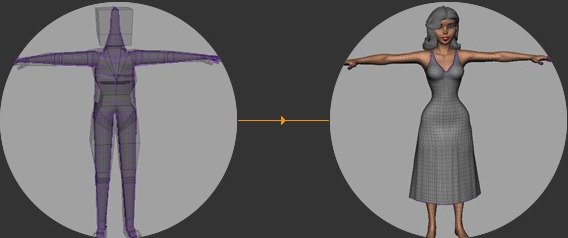
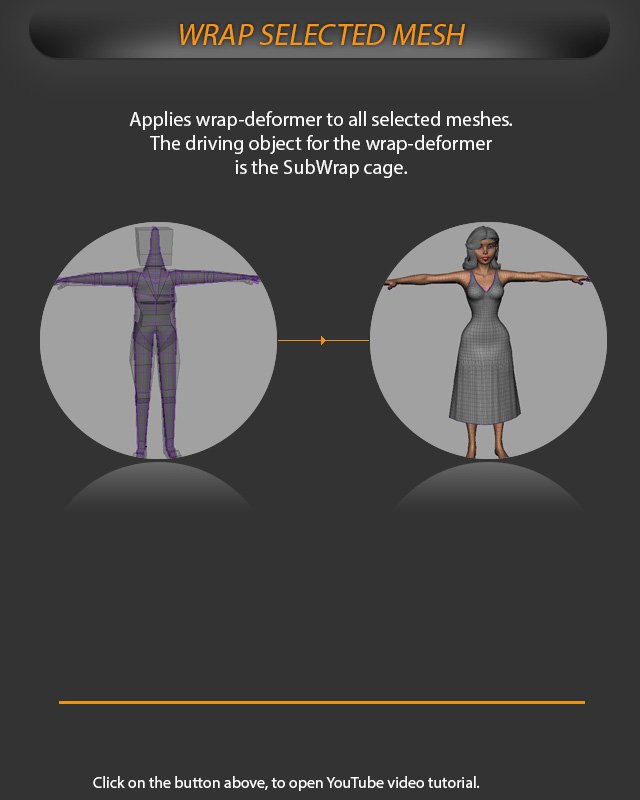
Apply a wrap deformer to the selected meshes so the SubWrap cage drives their deformation.
Use Wrap Selected Mesh after the SubWrap cage is ready and the meshes that should follow it are selected. AdvancedSkeleton applies the wrap deformer to all selected meshes and sets the SubWrap cage as the driving object.
The selected mesh is wrapped to the SubWrap cage, so the cage becomes the deformation driver.
This is useful when the character body should follow the smoother SubWrap cage instead of relying directly on the low-resolution SkinCage.
Select only the meshes that should be wrap-deformed before running the tool. Areas that should not use SubWrap can be excluded separately.