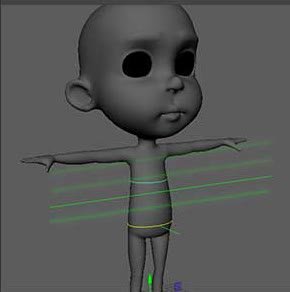
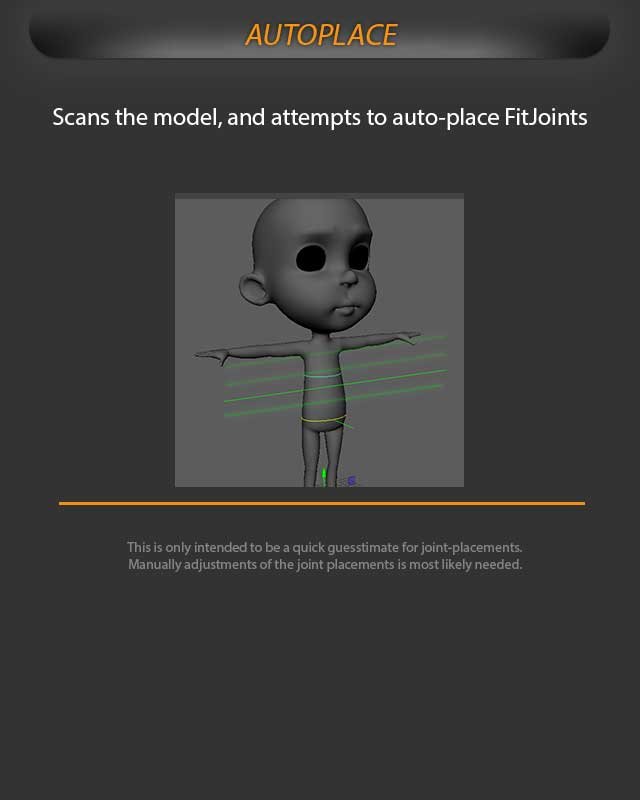
Use Auto Place as a quick first pass for fit-joint placement, then refine the joints by hand.
Auto Place scans the model and attempts to place fit joints automatically. It is useful for getting an initial fit quickly, especially on a clean character model.
Auto Place scans the model and estimates fit-joint locations from the character shape.
The result should be treated as a starting point, not a final fit. Check the joint positions carefully after the scan, especially around shoulders, elbows, knees, feet, hands, neck, and any stylized proportions.
After auto placement
Inspect the generated fit-joint positions from front and side views.
Adjust joints manually where the model shape or proportions need a better match.
Use pole-vector and joint-orient display helpers to confirm bend direction before building.
Auto Place is only intended as a quick guesstimate for joint placement. Manual adjustment is usually needed.