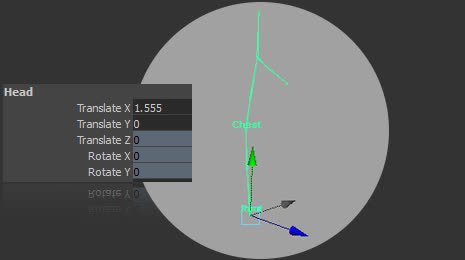
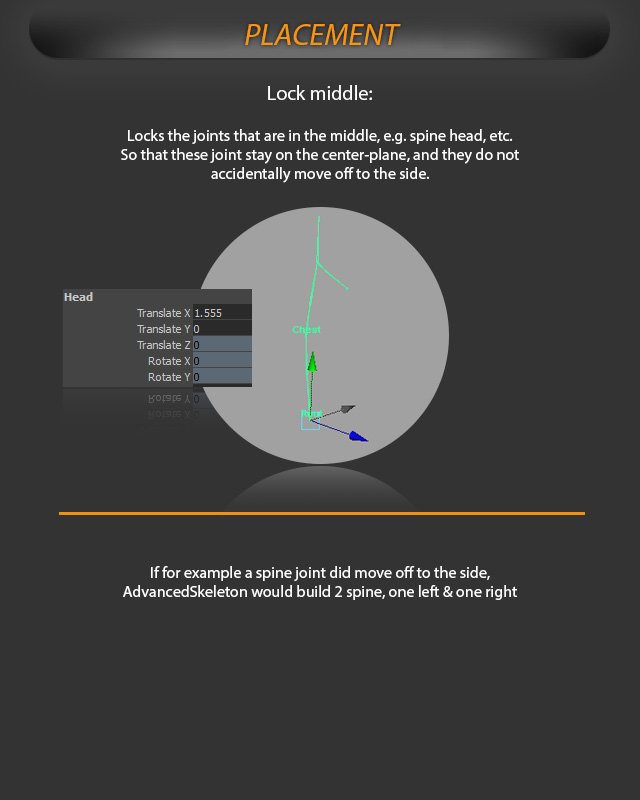
Use placement options to keep center-line joints in the middle of the character while fitting.
Lock Middle is for joints that should stay on the character's center line, such as the spine, head, and other middle joints.
Lock Middle keeps joints such as spine and head centered on the character instead of drifting to one side.
When middle joints are locked, they are constrained so they cannot accidentally move off to the side while you are fitting the skeleton.
Why this matters
If a center joint, for example a spine joint, is moved off the middle axis, AdvancedSkeleton may interpret it as a side-specific joint and build left and right versions instead of one centered joint.
Use Lock Middle before adjusting center-line joints. It is easier to keep the fit clean than to fix accidental left/right center joints after building.