Display Geometry shows helper geometry so joint orientation is easier to read.
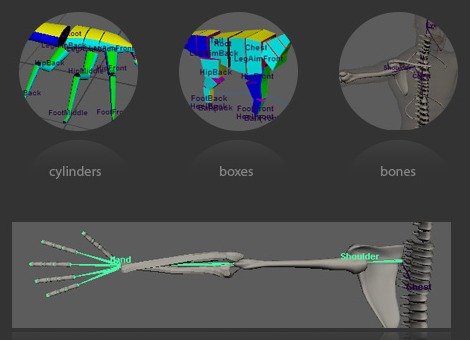
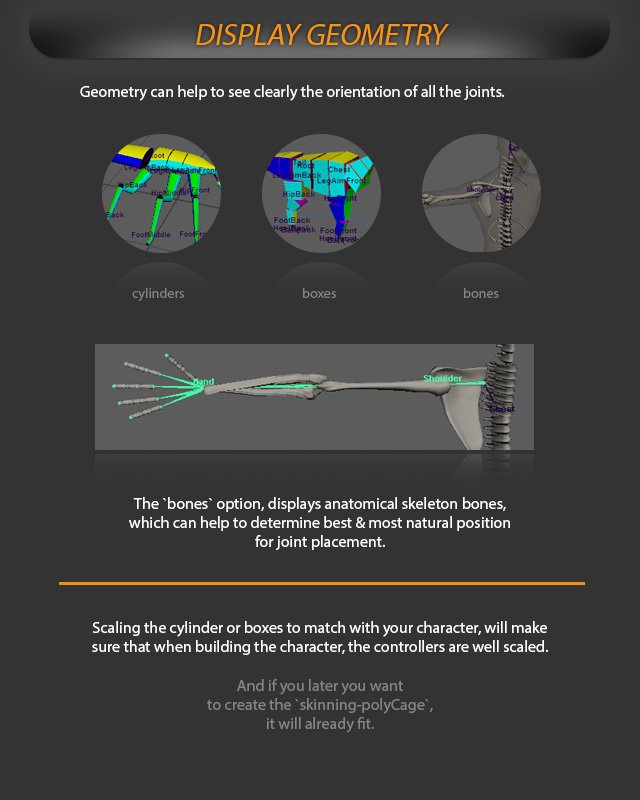
Geometry can help you clearly see the orientation of all joints. The display options include cylinders, boxes, and bones.
The bones option displays anatomical skeleton bones, which can help determine the best and most natural positions for joint placement.
Scale the cylinders or boxes to match the character so the built controllers are properly scaled. If you later create the skinning-polyCage, it will already fit.
Display Geometry shows cylinders, boxes, or bones to help place joints and scale controllers.