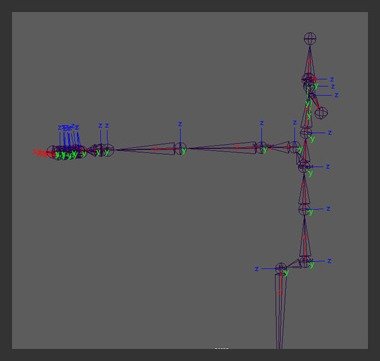
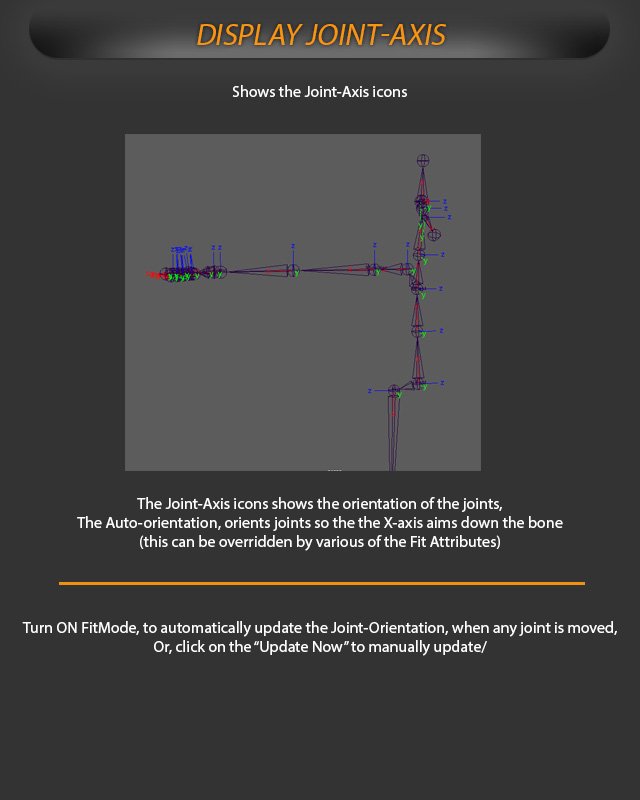
The joint-axis icons show the orientation of the joints. Auto-orientation orients joints so the X axis aims down the bone; this can be overridden by Fit attributes.
Turn on Fit Mode to update joint orientation automatically when any joint is moved, or use Update Now to update it manually.
Display Joint-Axis shows joint-axis icons and joint orientation in the FitSkeleton.