Fit Skeleton
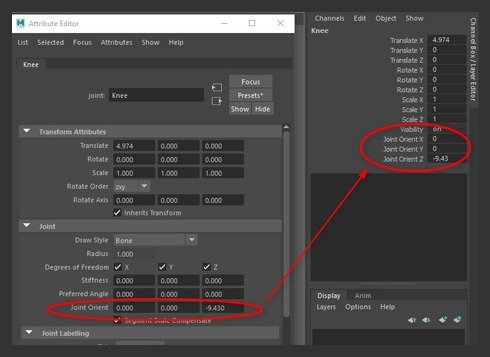
Display Joint-Orient shows joint-orient values in the Channel Box for easy editing.
Fit Display Joint Orient
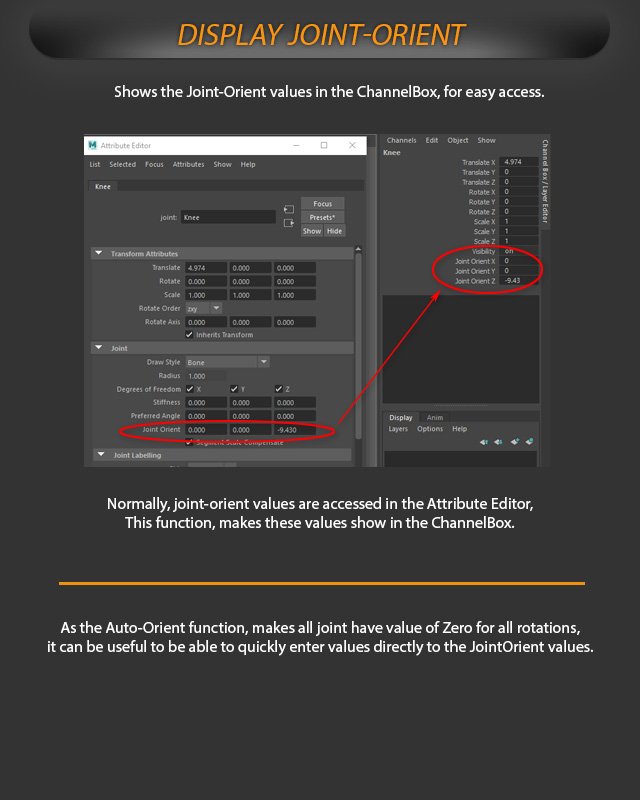
Display Joint-Orient shows joint-orient values in the Channel Box for easier access.
Normally, joint-orient values are accessed in the Attribute Editor. This function makes those values visible in the Channel Box.
Because Auto-Orient makes joint rotations zero, it can be useful to enter values directly into the Joint Orient fields.