Fit Mode automatically updates FitSkeleton placement and orientation while you work.
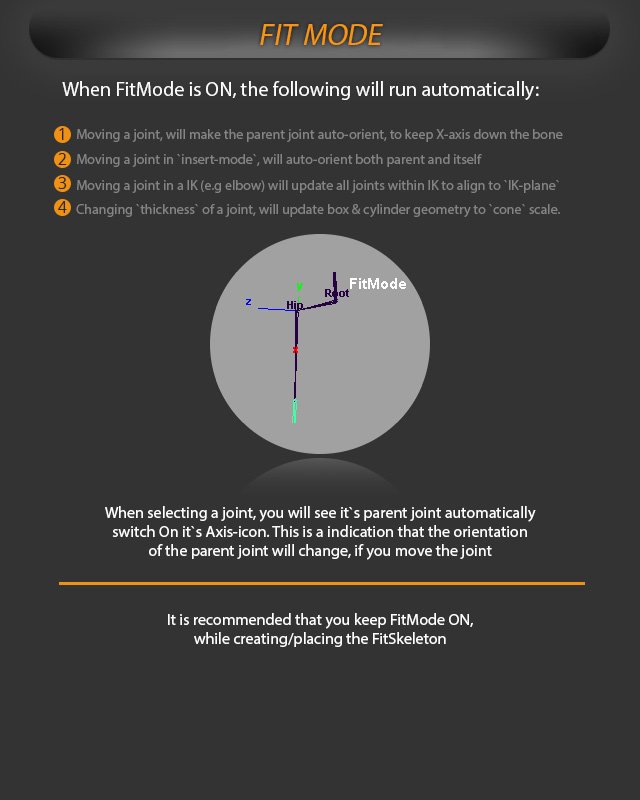
When Fit Mode is on, moving a joint makes the parent joint auto-orient to keep the X axis down the bone.
Moving a joint in Insert mode auto-orients both the parent and the joint itself.
Moving a joint in a leg or elbow updates all joints in that IK so they align to the IK plane.
Changing a joint's thickness updates box and cylinder geometry to cone scale.
When selecting a joint, its parent joint automatically switches on its axis icon so you can see that the parent orientation changes if the joint is moved.
Fit Mode automatically updates joint orientation, IK planes, and display geometry while placing the FitSkeleton.